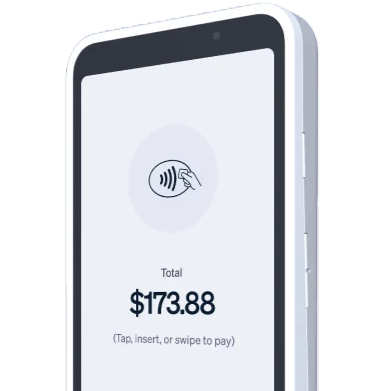
POS
For Your
S700 Terminal
Your Stripe S700 terminal comes without POS software. We fix that.
Run M&M POS on your S700 terminal in minutes. Accept payments, manage inventory, and grow your business with our powerful point-of-sale system.

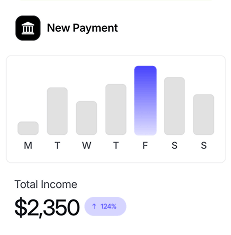
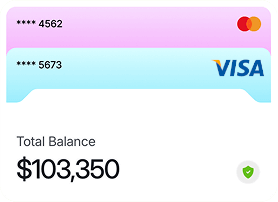

Install M&M POS in
Three Simple Steps

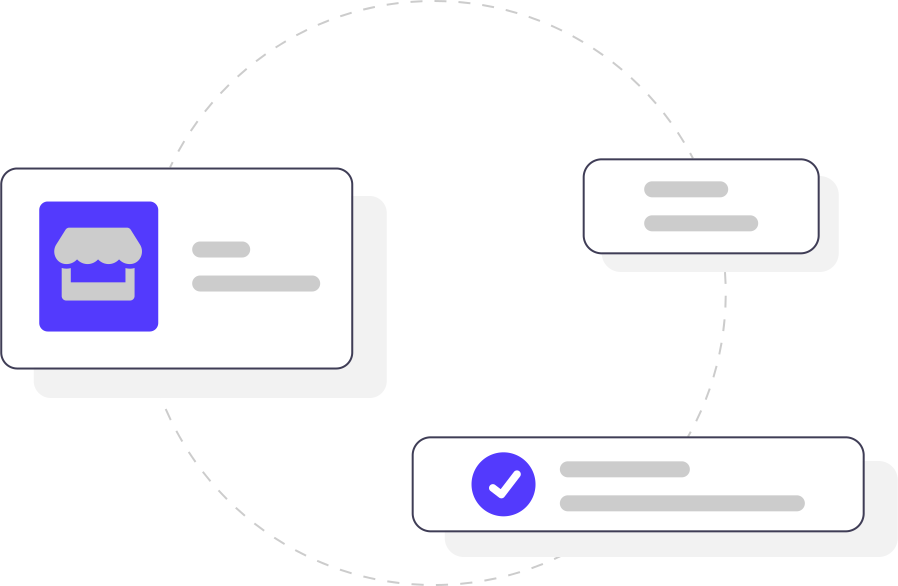
Connect Your Stripe Account
Link your existing Stripe account or create a new one to get started.
Register Your S700 Terminal
Pair your Stripe S700 using the pairing code displayed on your device.
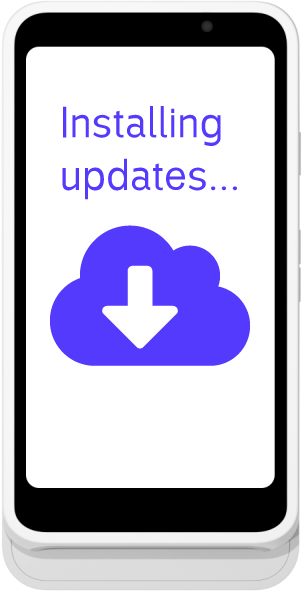
Install POS App
Nothing else! You're all done. Now enjoy M&M POS on your S700.


Payments, Inventory, and Reporting
in One App
Our POS gives you a complete toolkit to accept payments, manage inventory, track transactions, and run your business from one place.

In-Person Payments
Accept chip, contactless, and swipe payments instantly
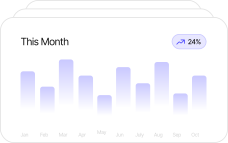
Sales Management
Advanced sell page with item tracking and receipt generation
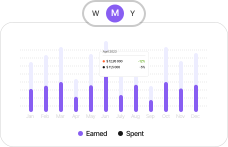
Inventory Management
Track products, manage stock levels, and monitor your inventory
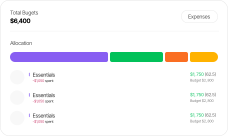
Transaction History
Complete sales records with refund and reporting capabilities
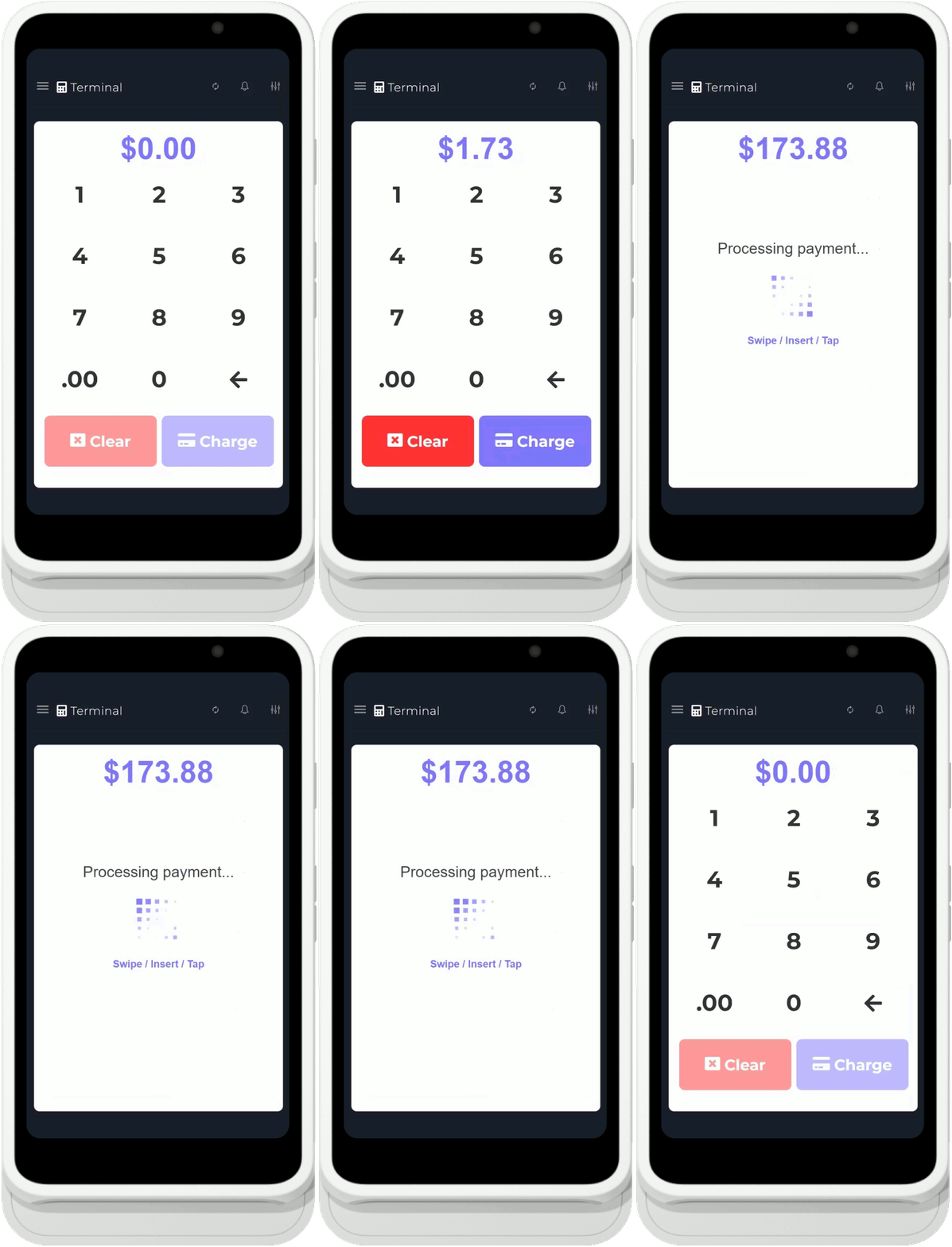

Run Your Store From
the Same Terminal
M&M POS provides all the tools you need for seamless payment processing and business management.
Multiple Payment Methods
Accept in-person payments with tap, chip, and swipe. Process manual card entries, send digital invoices, and create recurring subscriptions. Full integration with Stripe products for complete payment flexibility.
Connect Stripe
Link your Stripe account securely.
Register Terminal
Pair your S700 with a simple code.
Install App
M&M POS deploys automatically.
Accept Payments
Start processing transactions immediately.
Track & Manage
Monitor sales and manage inventory.

Simple, Affordable
Pay-As-You-Go Pricing

M&M POS
Free app with all base features included. Only pay when you make sales.
- In-Person Payments
- Manual Card Entry
- Digital Invoices
- Recurring Subscriptions
- Inventory Management
- Expense Recording
- Transaction History & Refunds
What our customers say!


"M&M POS transformed our retail operations. The setup took less than 10 minutes, and we were accepting payments immediately. The inventory management features are exactly what we needed."

The S700 terminal with M&M POS is a game-changer. Fast payments, clean receipts, and the 1% fee structure is incredibly fair. No hidden costs, just straightforward pricing.

"We switched from another POS system and couldn't be happier. M&M POS is modern, intuitive, and the recurring subscription feature helps us manage our membership programs seamlessly."

The transaction history and reporting features give us complete visibility into our sales. M&M POS on the S700 terminal is reliable, professional, and worth every penny of that 1% fee.

Still unsure? Here's what you need to know
Still have Questions?
Our team is here to help you get started with M&M POS. Contact us for personalized support.

Ready to install
M&M POS?
Send M&M POS to your Stripe S700 terminal and start accepting payments with inventory, reporting, and customer tools ready to go.